
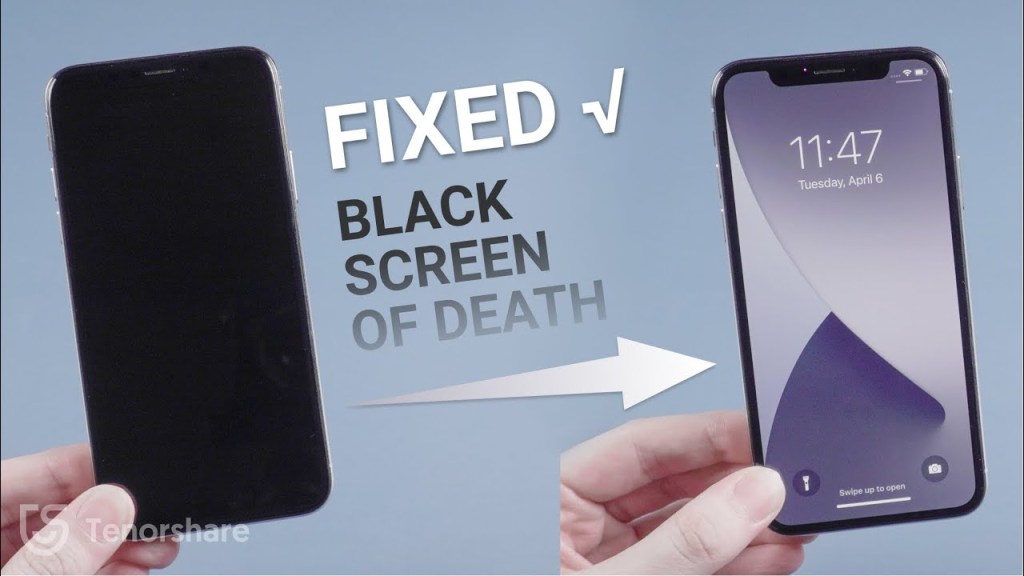
When the screen goes black on your iPhone it can be very confusing. You may wonder, “is my data still there?” You may worry that your precious family photos, your list of contacts accumulated over time and other notes and vital information may be lost forever. Fortunately this is usually not the case. Most of the time a simple repair can fix your phone and retrieve your data.
To maximize the chances of getting back into your phone there are a few things to keep in mind. Just because your screen is black doesn’t mean that your phone is off. It may be on and while on the digitizer could still be ‘ghost touching.’ I will explaing this further. I will say that I see this most with iPhone 11 and iPhone XR screens. Once the screen is black the best thing to do is not charge it and let the battery drain completely until you get it repaired.
The digitizer is the part of the phone that sends the touch of your finger into the phone so you can use your phone. It is the main input and allows you to use your phone. When a screen becomes damaged the digitizer may start ‘ghost touching.’ Ghost touching is when the screen enters data like a passcode. Therin lies the problem for damaged phones where the damage is so great that the lcd and digitizer are both destroyed. If the screen is black the phone may still register input from the digitizer.
The LCD sits beneath the digitizer and is the part of the phone that shows the picture of your screen, it’s the part that lights up. This part does not cause a problem and can be easily fixed without issue.
The problem with ghost touching is that it can enter wrong passcodes on its own. Apple has a security feature on its phones that lock a device after incorrect passwords entered. Here is the breakdown of passcode attempts and how long you will be locked out of your device.
Lockout Times and Attempts:
1-5 incorrect attempts: No lockout.
6 incorrect attempts: Lockout for 1 minute.
7 incorrect attempts: Lockout for 5 minutes.
8 incorrect attempts: Lockout for 15 minutes.
9 incorrect attempts: Lockout for 60 minutes.
10 incorrect attempts: “iPhone is disabled” message and the need to connect to a computer or recovery mode to erase and reset the device
After the 10th passcode entered the phone becomes ‘iPhone is Unavailable.’ Once this happens you stand to lose any data being pictures, contacts and any other vital data forever. Anything not backed up to iCloud is in jeopardy. You have the option of hooking the phone up to a computer and using the iTunes application to reset the phone thereby making it useable again if you have the iCloud password. If you choose to get it working through this method you will wipe the phone clean and it will be essentially an new version of your phone. All data lost. That’s after only 10 tries. There is a possible way to ‘reset’ the disabling timer, and if you have a phone that is locked out please contact my shop at 223 269 7778 for a possible solution and to recover your phone and data.
 Best Phone Fix
Leave a comment